 Contact Us
 News
News My account
 Order Status


 Unlock NOW
 IMEI Checker
iOS Unlock, iPhone
How to Unlock iOS 27.0.1 Apple ID Locked Using a New Method
Sep
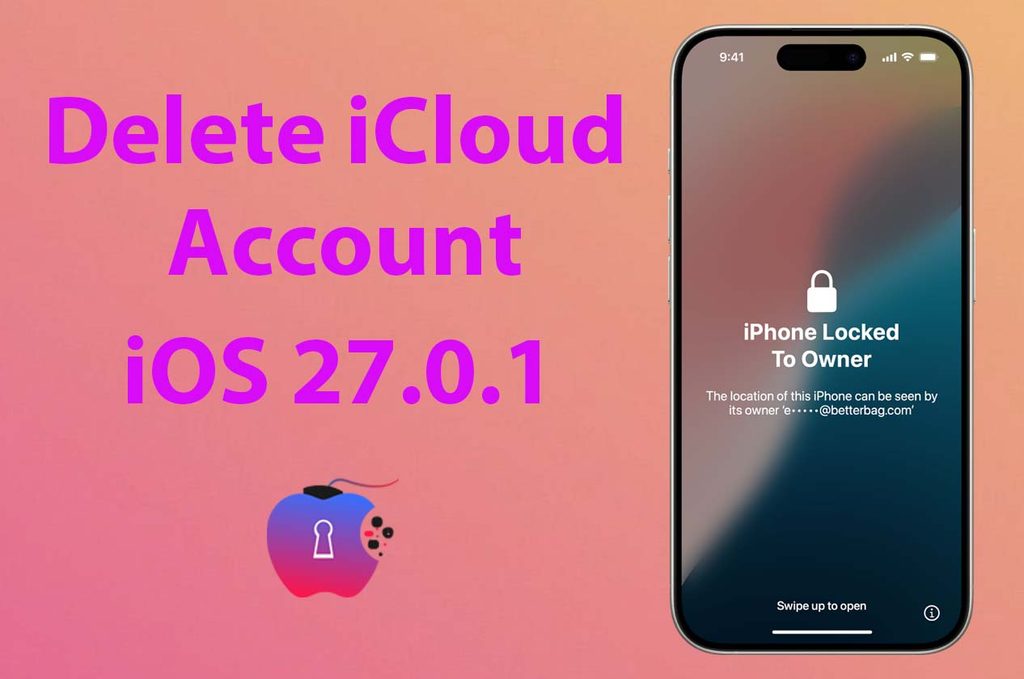
If your iPhone is running iOS 27.0.1 and shows an Apple ID Lock, Activation Lock, or the “iPhone Locked to Owner” screen, you may be wondering what options you have. Apple’s security system is designed to prevent unauthorised use of a device linked to another Apple Account, so the correct solution depends on whether you are the original owner or have legally purchased the device.
In this guide, we explain the latest options for dealing with an Apple ID-locked iPhone on iOS 27.0.1 and what you should check before trying to activate the device.
What Does Apple ID Locked Mean on iOS 27.0.1?
An Apple ID, now called an Apple Account, can remain connected to an iPhone through Find My. When Activation Lock is enabled, the device can request the credentials of the account previously associated with it.
This security feature remains active even after you erase or restore the iPhone. Therefore, simply performing a factory reset will not normally remove Activation Lock.
New Method to Unlock Apple ID Locked iOS 27.0.1
The first method is to use the Apple Account that is currently connected to the iPhone. Enter the correct email address or phone number and password when requested during activation.
If you are the original owner but have forgotten your password, you should recover your Apple Account credentials through Apple’s official account-recovery process. Once you regain access to the account, you can use it to activate the iPhone.
For a second-hand iPhone, the previous owner may need to remove the device from their Apple Account. They can usually do this by signing into their account and removing the iPhone from Find My. After you remove the device, you can erase it and activate it with your own Apple Account.
If you don’t have access to this, the best option is to use the IMEI Factory Unlock method to remove the Activation lock from your device. The only downside is that it is a paid service, not free. UnlockBoom offers this service, and it works well right now.
Can an iOS 27.0.1 Activation Lock Be Removed Remotely?
If you legally own the device and have access to the Apple Account connected to it, the account holder can remove the device remotely. This is particularly useful when purchasing a used iPhone and the previous owner is not physically present.
If you cannot contact the previous owner, keep your proof of purchase. Apple may be able to review an Activation Lock removal request when you can demonstrate legitimate ownership.
Important Things to Know
Be careful with websites or applications claiming they can permanently bypass Apple security without account credentials or proof of ownership. Many of these services are unreliable, and some may ask for sensitive information.
There is no legitimate reason to provide your Apple Account password to an unknown third-party service.
Final Thoughts
If your iPhone is Apple ID locked on iOS 27.0.1, the appropriate solution depends on ownership and account access. Original owners should recover their Apple Account, while buyers of used devices should ask the previous owner to remove the iPhone from their account.
Always use legitimate ownership and account-recovery methods when dealing with Activation Lock. This protects both your device and your personal information.
